Mobile app
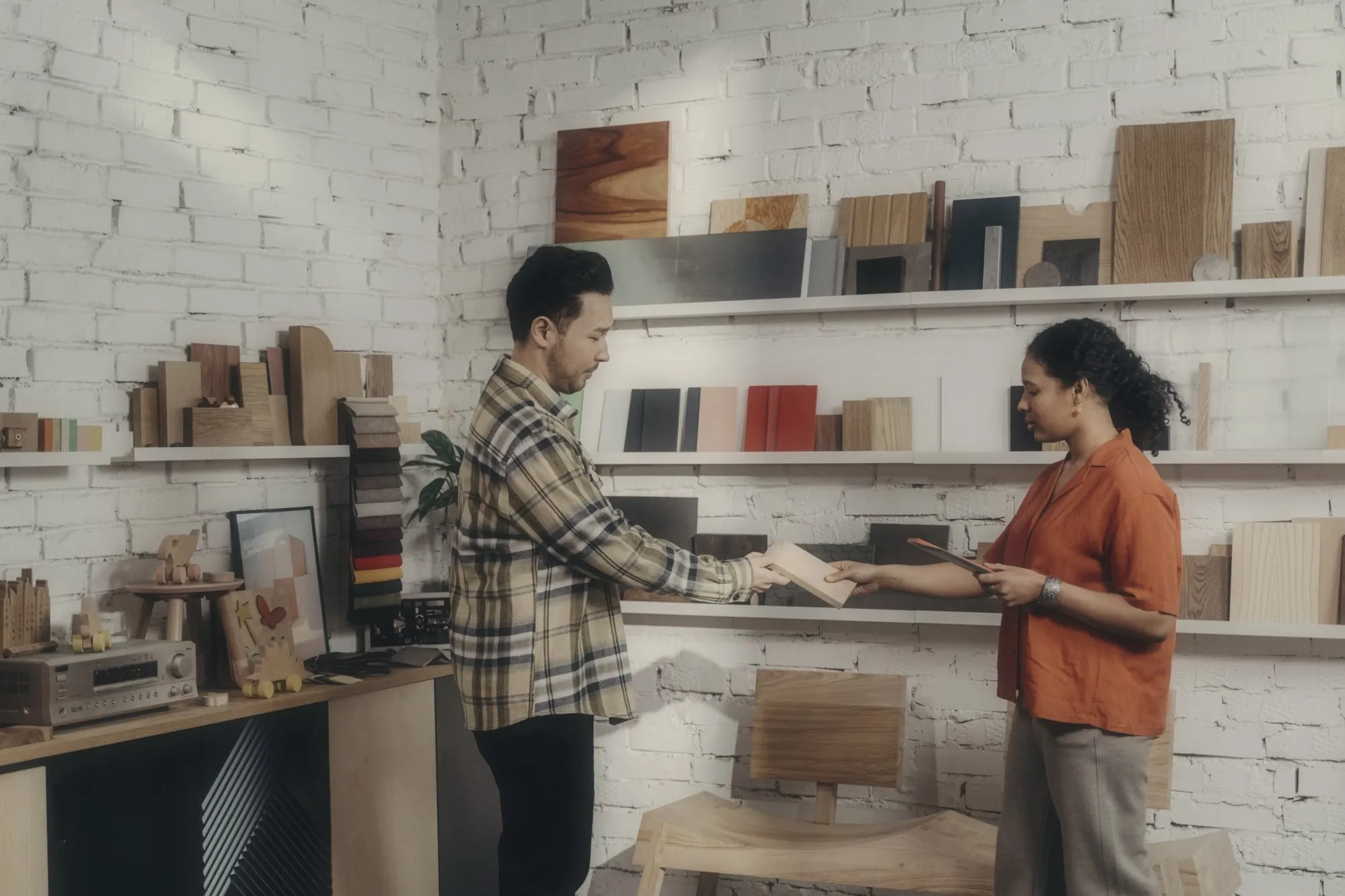
Record the meetings that don’t happen on a screen.
Showroom consults, site visits, lunches: the iOS and Android app records with the screen locked, and your AI twin does the rest.
Showroom visit
Van Damme Keukens
Recording
18:42
Drummer is listening
Works offline · uploads later
Put it on the table and talk.
Tap record and put the phone down. Drummer keeps recording with the screen locked, pauses when a phone call comes in and picks up again when it ends. The customer talks to a person, not to a laptop.
- Records with the screen locked
- Pauses for an incoming call, then resumes
- Stops by itself after four hours if forgotten
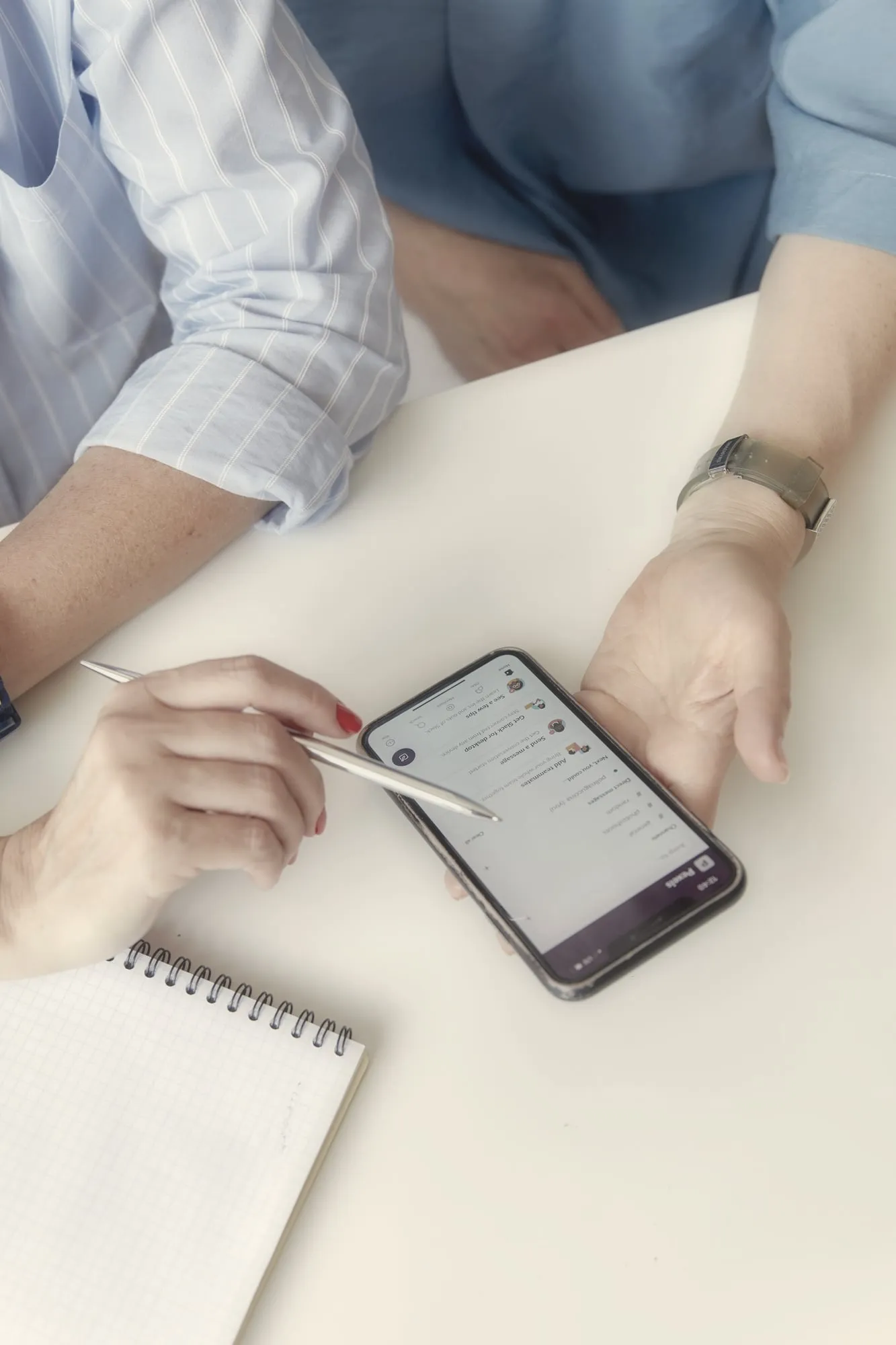
On the lock screen, at a glance.
A Live Activity and the Dynamic Island show that Drummer is recording and for how long, with the pause button one tap away. No unlocking, no guessing whether it is still running.
No signal, no problem.
In a basement showroom, on a building site or in a train tunnel, the app records offline and uploads the meeting once you are back in range. If the connection drops halfway, the upload picks up where it stopped.
Drummer for field sales
The whole call in your pocket.
Minutes after the meeting, the transcript, the scorecard and the next steps are on the phone. Approve the follow-up before you start the car, and the CRM is up to date before you reach the next customer.
MEDDIC
Scored by Drummer
4.5of 6
- MetricsMet04:12
- Economic buyerMissing22:40
- Decision criteriaMet18:03
- Decision processPartly22:40
- Identify painMet06:55
- ChampionMet27:10
Focus mode
- Due Fri 23 Oct
Book a meeting with Sofie Janssens, CFO
- Due Thu 22 Oct
Send Jonas the TMS integration overview
- Due Mon 26 Oct
Ask for last quarter's order volumes
Questions sales leaders ask us
Does the app work on iPhone and Android?
Yes. Drummer has a native app for iPhone and one for Android. Reps sign in with the same account as on the web, and every recording, transcript, scorecard and next step is the same on both, so they can start on the phone and finish on a laptop, or the other way round.
Does it record with the screen locked?
Yes. Once recording starts, the rep can lock the phone and put it on the table. The app keeps recording in the background, shows a Live Activity on the lock screen and in the Dynamic Island, and stops by itself after four hours if someone forgets to end it.
What happens when a phone call comes in?
The recording pauses while the rep takes the call, so the phone conversation never ends up in the meeting, and it resumes by itself when the call ends. The rep can also pause and resume by hand at any moment, from the app or straight from the lock screen.
What if there is no signal?
The app records without a connection and keeps the meeting safely on the phone. Back in range, it uploads in the background and resumes where it stopped if the connection drops halfway. The transcript, the scorecard and the next steps follow a few minutes after the upload.
How do customers know they are being recorded?
The rep tells them, and the app asks the rep to confirm the customer agreed before recording starts. That confirmation is stored with the call. You decide how long recordings are kept, and every recording is stored and processed in the EU, never used to train models.
Keep reading
Product
Give every rep a day back, starting next week.
Thirty minutes, on your own calls and your own CRM. No migration, nothing for your reps to learn.